SimpleDiagrams 5 for Mac
Diagrams were never so easy.
A native Mac app for quick, informal diagrams. Works offline. One payment, no subscription.
How to buy it
Try it free, buy it once
US$49.99one time
- Try the whole app free for 7 days with the download from this site. No card needed.
- Buy a licence here and your key arrives by email, or buy it on the Mac App Store with your Apple Account. (The Mac App Store edition has no trial.)
- One licence is for one person, on every Mac they use. It never expires, whichever way you buy.
- It works offline. Nothing is checked over the network.
- The download from this site is signed and notarized by Apple.
- Bought here and not for you? Ask within 30 days and we refund it. Compare the two ways to buy.

What it does
Draw, connect, undo
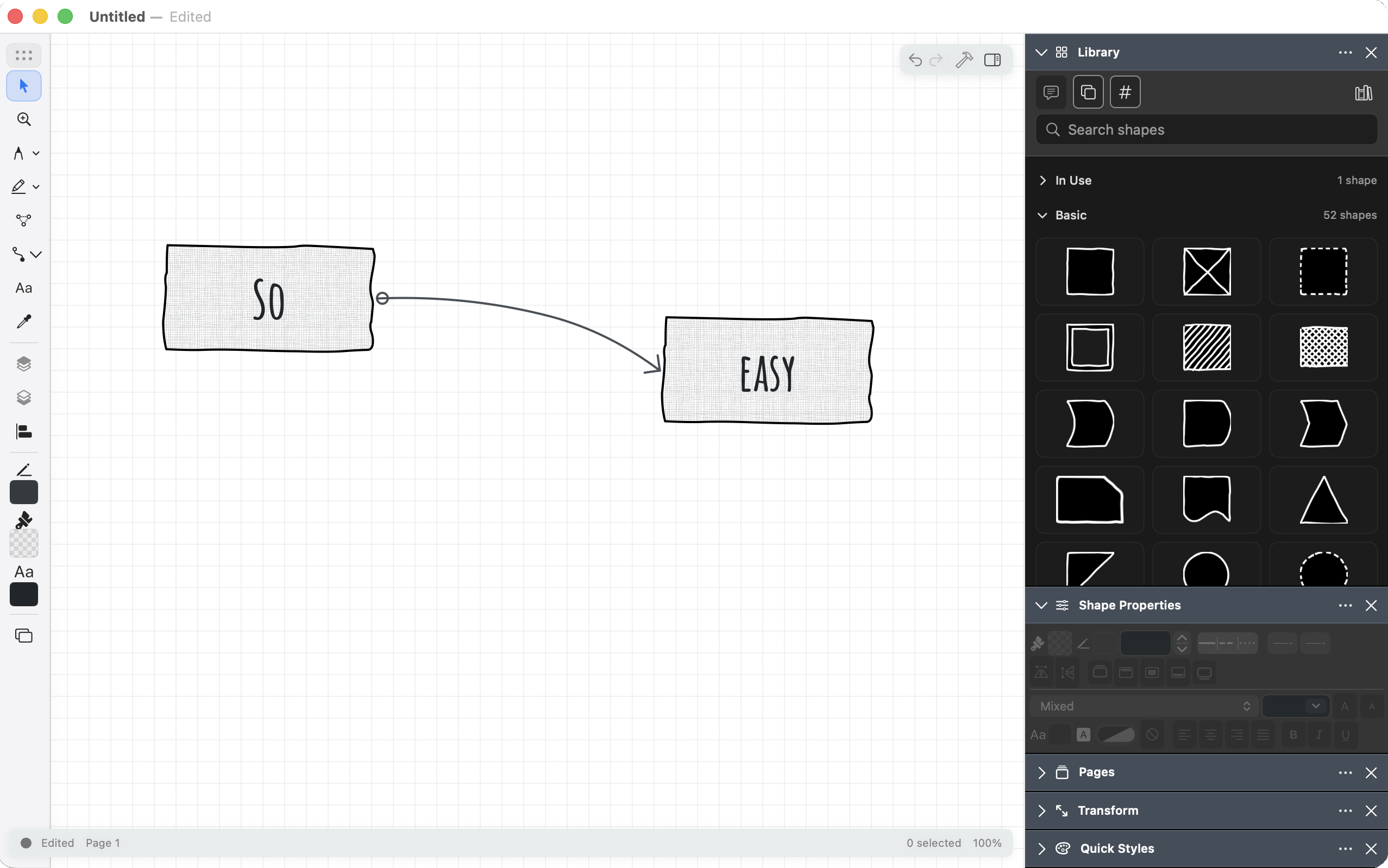
Place shapes on an endless canvas. Connectors stay attached when you move things. Undo anything.
Shapes, shapes, shapes
Six libraries with 427 drawn symbols, 13 image backgrounds plus plain white and black, and 17 textures, all installed with the app. We keep adding more to the online shape library, free to download with a SimpleDiagrams account.
UML and database connectors
Line endings for class and entity-relationship diagrams: hollow arrows, diamonds, containment and crow's foot cardinality. Change an ending right on the canvas.
Data behind every shape
Add fields such as owner, cost or status to any shape. See a whole page as a table in Page Data, and export it as CSV or JSON.
Marker, grids and paper
Sketch with a marker that behaves like real ink, with a bullet, chisel or brush tip. Give each page its own grid, from dots to graph paper, on a paper background you can tint.
Many pages, one file
Add, duplicate, rename and reorder pages in a single document, instead of a folder of near-identical files.
Get the picture out
Export PNG, PDF and SVG. Copy a diagram as an image and paste it anywhere. Print.
Opens your old diagrams
Import documents from earlier versions of SimpleDiagrams. The original file is left untouched.
A real Mac app
Written for macOS, not wrapped around a web page. It behaves the way your other Mac apps do.
Before you decide
Direct download or Mac App Store?
It is the same app either way. Choose by how you like to try, pay and update.
| What differs | Direct download | Mac App Store |
|---|---|---|
| Free trial | 7 days with the whole app. No card needed. | None. It is paid up front. |
| Price | US$49.99, one time. Checkout shows your currency and any tax. | One time. The App Store shows the price for your country. |
| How you pay | By card, through Stripe. | With your Apple Account. |
| Unlocking the app | A licence key arrives by email. Enter it once on each Mac. | Nothing to enter. It is ready as soon as it is installed. |
| Your other Macs | The same key works on every Mac you use. | Install it from the App Store with the same Apple Account. |
| Updates | Choose Check for Updates… and download the new version from this site. | The App Store delivers them automatically. |
| Refunds | From us, within 30 days. | From Apple, under its own policy. |
| Buying for a team | Quoted discounts on team pricing. | Volume purchase through Apple Business Manager or Apple School Manager. |
How does the trial work?
The download from this site gives you the whole app for 7 days in a row. The trial starts when you accept the licence agreement the first time you open it, so downloading it does not start the clock. Nothing is charged when it ends. The Mac App Store edition is paid up front and has no trial.
What happens when the trial ends?
The download from this site becomes view-only. You can still open, copy, save, export and print your diagrams. Editing comes back the moment you enter a licence key.
How do I get updates?
The app does not update itself. Bought direct? Choose Check for Updates… in the SimpleDiagrams menu, or ask to join the update list and we will email you. App Store copies update through the App Store.
Can I get a refund, or help?
Bought directly from us? Write to support@simplediagrams.com within 30 days and we will refund it, without asking you to justify the request. See the Refund and Cancellation Policy. App Store purchases are refunded by Apple. Support is by email, and a person reads it.
After you buy direct
- Pay through Stripe in your browser. Stripe emails you a receipt. The app never asks for card details.
- We email your licence key. If you are new here, the same email sets up your SimpleDiagrams account.
- Paste the key into SimpleDiagrams 5 once. It is kept in your Keychain and checked on your Mac.
- The key also sits in your account on this site, ready for a reinstall or another Mac.
The licence is issued to your email address and never expires. There is no activation server and no machine count. If the email has not arrived, check your spam folder, then write to support@simplediagrams.com from the address you bought with.
Buying for a team? A licence is for one person, so buy one for each person, entering that person's email address each time so the key reaches them. For ten people or more, write to support@simplediagrams.com and we will arrange it in one payment.
Download and install
Install it
- Open the downloaded .dmg.
- Drag SimpleDiagrams into your Applications folder.
- Eject the disk image, then open the app from Applications.
- macOS asks you to confirm, and names us as the developer. Click Open.
The app is notarized by Apple, so this check works even offline. If macOS instead warns that the developer cannot be verified, do not open the app. Download it again from this page, and write to us if the warning comes back.
What you are downloading
- Requires
- macOS 15.0 or later, on Apple silicon or Intel
- Version
- 5.0.16
- Language
- English
- File
- Disk image (.dmg), universal build
- Signing
- Developer ID, hardened runtime, notarized by Apple and stapled
- SHA-256
-
87a8407ab58e1c89c8172ffeb4df3a4b3a5184ab98011a4d85dac35bb772c59b
macOS checks the signature for you. To compare the checksum yourself, run this in Terminal:
shasum -a 256 ~/Downloads/SimpleDiagrams-5.0.16.dmgDownload SimpleDiagrams 5 and try it free for 7 days
The free trial is in the download from this site. The Mac App Store edition is paid up front and has no trial.
Or buy it on the Mac App Store
SimpleDiagrams Desktop and SimpleDiagrams Cloud are separate products. Buying one does not include the other, and diagrams cannot be moved or synced between them.